

Is There a Native Odin Fortune Casino App?
The short answer clarifies why no native release exists across major app stores, and what UK players can use instead to get an app-like experience on iPhone or Android.
Native iOS and Android Apps
Odin Fortune Casino does not distribute a native iOS or Android application. There is no official listing in the Apple App Store or Google Play, and only the official browser-based site should be used. Curaçao-licensed operators typically rely on web distribution because gambling app policies at Apple and Google impose licensing constraints offshore brands cannot meet.
Mobile Web Experience Instead
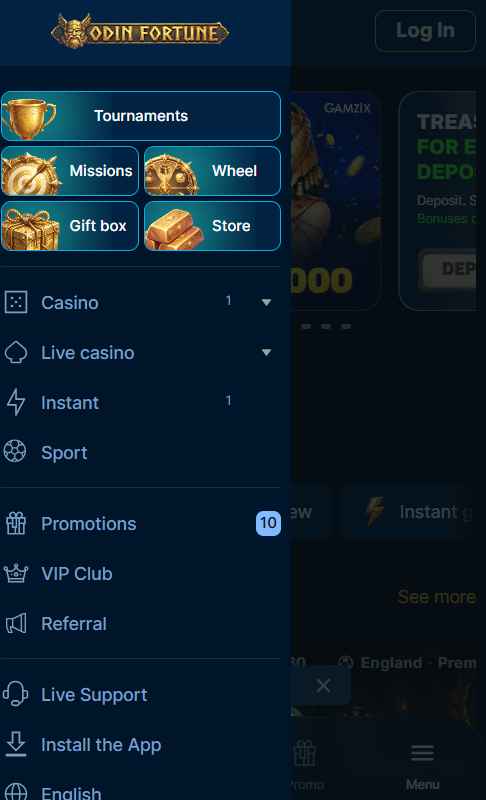
The mobile browser experience covers full catalogue access, cashier operations, live dealer streams, and account management. Registration, KYC upload, Odin Fortune login, deposits, withdrawals, and responsible gambling controls all sit inside the same browser session. Nothing meaningful is missing compared to desktop functionality on the same account.
How to Add Odin Fortune to Your Home Screen
Adding the site to the home screen creates a one-tap shortcut that opens in full-screen mode without browser chrome — the closest experience to a downloadable app that current mobile policies allow for offshore gambling brands.
iPhone and iPad (Safari)
- Open Safari on the iPhone or iPad
- Navigate to the Odin Fortune Casino homepage
- Tap the Share button — the square icon with an upward arrow — in the toolbar
- Scroll down and tap Add to Home Screen
- Confirm the shortcut name and tap Add in the top-right corner
The resulting home-screen icon opens the site in full-screen mode without Safari's address bar, giving the launch experience an app-like feel.
Android (Chrome and Samsung Internet)
- Open Chrome or Samsung Internet on the Android device
- Navigate to the Odin Fortune Casino homepage
- Tap the three-dot menu icon in the top-right corner
- Select Add to Home screen or Install app depending on the browser
- Confirm the shortcut name and tap Add or Install
The saved shortcut launches the site in a standalone window that mimics the feel of a native application while remaining a browser session.
What Players Can Play on Mobile
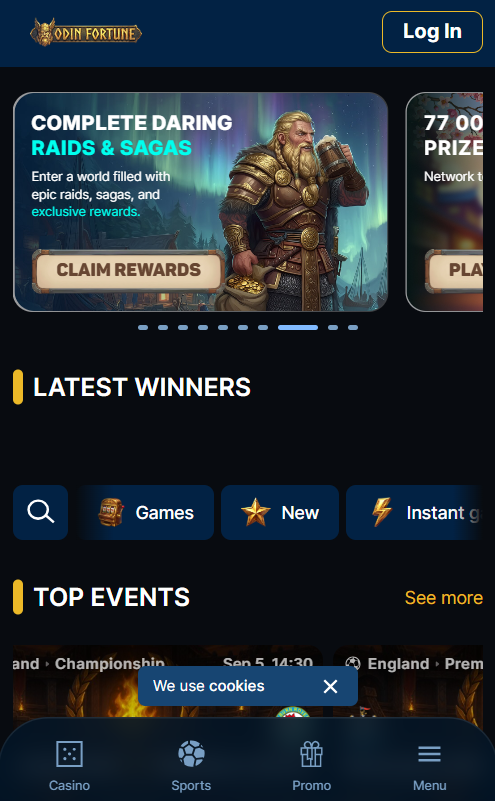
Every category present on desktop appears in the mobile lobby. What follows focuses on the mobile-specific advantages of each format rather than restating the full catalogue.
Slots on Mobile
Slots run in portrait orientation with tap-friendly reels and UI. Popular releases like Sweet Bonanza and Gates of Olympus behave identically to desktop versions but suit shorter session bursts on smaller screens. Filter and search work through the mobile menu.
Live Dealer Streams on 4G and 5G
Live dealer tables stream in HD across 4G, 5G, and Wi-Fi. Stable throughput above 5 Mbps prevents buffering during play. Landscape rotation improves visibility of card and wheel positions, and the chat panel remains accessible from a side drawer.
Table Games and Crash Titles
RNG blackjack and roulette suit quick sessions with instant hand resolution. Aviator-style crash titles were designed for tap input and often deliver a smoother experience on mobile than desktop, with cash-out timing controlled by a single large button.
Mobile Payments — One-Tap Methods
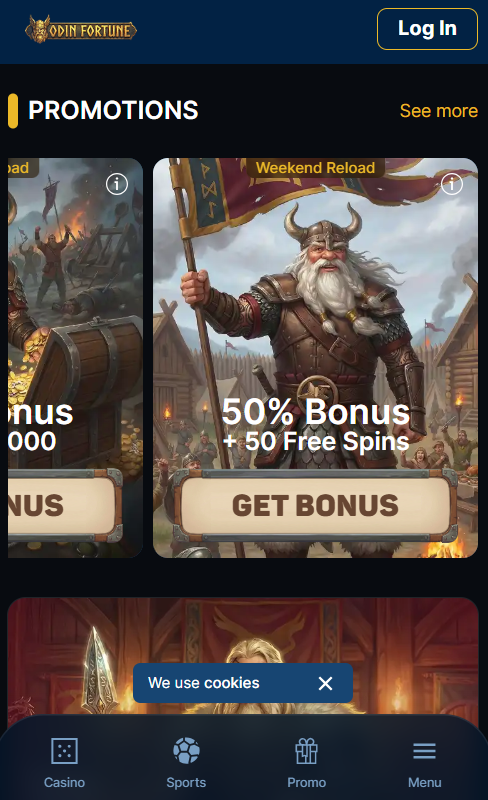
One-tap payment methods deliver the fastest deposit experience on mobile. Three options stand out for UK players on iPhone or Android — each authenticates through the device rather than requiring manual card entry.
Fastest mobile deposit routes
| Method | Authentication | Deposit Time |
|---|---|---|
| Apple Pay | Face ID or Touch ID | Instant |
| Google Pay | Fingerprint or PIN | Instant |
| Trustly Pay-by-Bank | Mobile banking app login | Instant to 5 minutes |
Traditional cards and e-wallets remain available but require manual credential entry with each deposit. Withdrawals process back to the same method used for deposit, following the standard reversibility rule. The full deposit and withdrawal method list sits on the Odin Fortune Casino homepage.
| CRITERION | ODIN FORTUNE | CASINACHO ★ |
|---|---|---|
| Game catalogue | 4,000+ titles | 7,500+ titles |
| Live casino | Live dealer tables | 400+ Evolution tables |
| Welcome offer | up to £4,000 + 700 FS | £3,000 + 200 spins |
| Bonus wagering | 40x wagering | Lighter requirements |
| Crypto payouts | Cards & crypto | Fast crypto payouts |
| Sports betting | Full sportsbook | Casino-focused |
Claiming Bonuses on Mobile
Bonus terms remain identical across mobile and desktop — the same four-tier welcome package, same wagering multiplier, and same expiry windows apply regardless of device. Promo codes such as ODINGOLD enter in the cashier field before completing the deposit, exactly as on desktop. Free spins credited during welcome or reload offers appear in the mobile lobby automatically, marked on the eligible slot's tile. Full bonus mechanics sit on the Odin Fortune bonus page.
System Requirements and Compatibility
Modern mobile browsers on current operating system versions cover the full experience without additional configuration or plug-ins.
Supported mobile platforms
| Platform | Minimum OS | Recommended Browsers |
|---|---|---|
| iPhone / iPad | iOS 14 or later | Safari, Chrome |
| Android | Android 8.0 or later | Chrome, Samsung Internet, Firefox |
Older devices below these thresholds may load the site but lose access to some rendering features, particularly HD live dealer streaming. A stable 4G connection or Wi-Fi is required for live tables; slot titles run comfortably on 3G.
Performance and Mobile Data Usage
Slot titles consume approximately 5 to 15 megabytes per hour of active play depending on graphic complexity. Live dealer HD streaming uses substantially more — around 150 to 300 megabytes per hour. Wi-Fi is recommended for extended live sessions to preserve mobile data. High-end slots can accelerate battery drain, so charging during long sessions is worth planning. The main Odin Fortune Casino page and the registration page cover account setup.